Screenshots
What you get
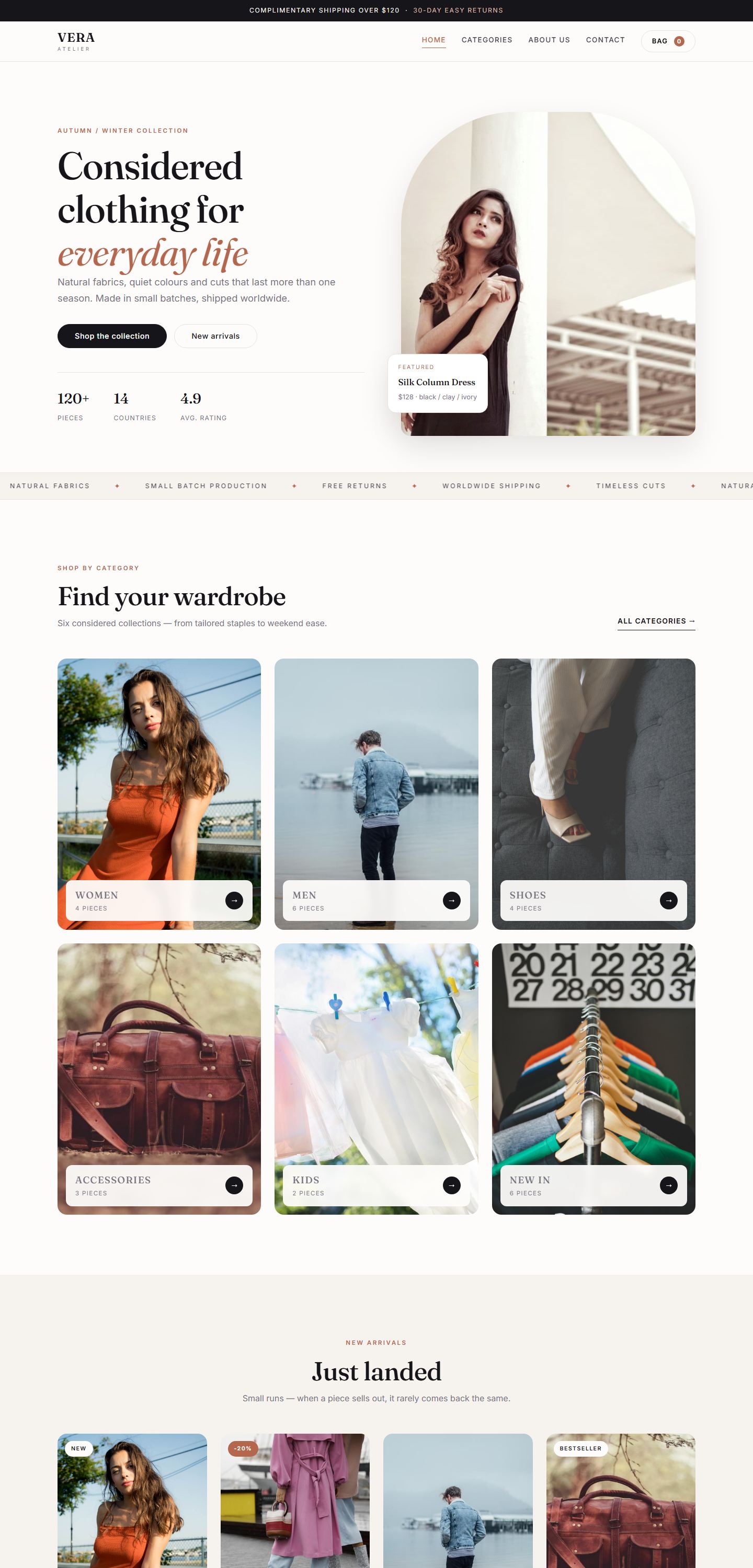
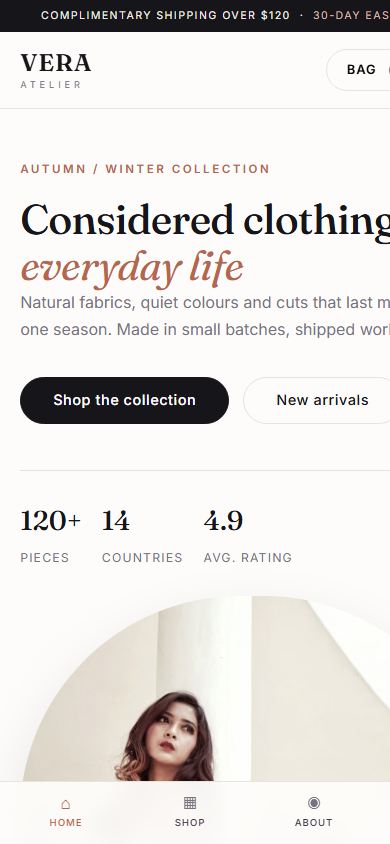
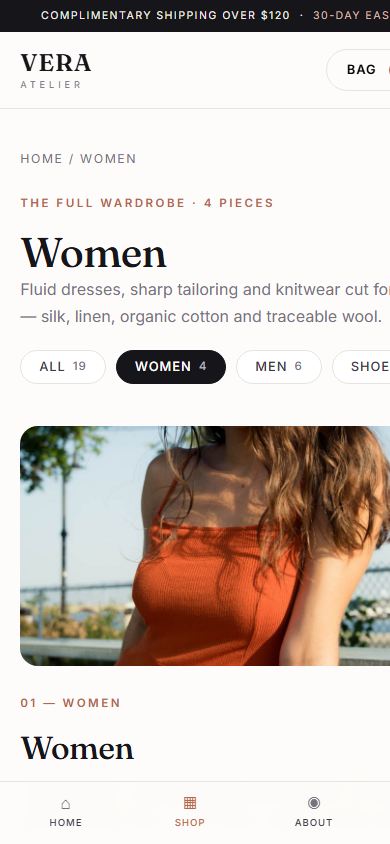
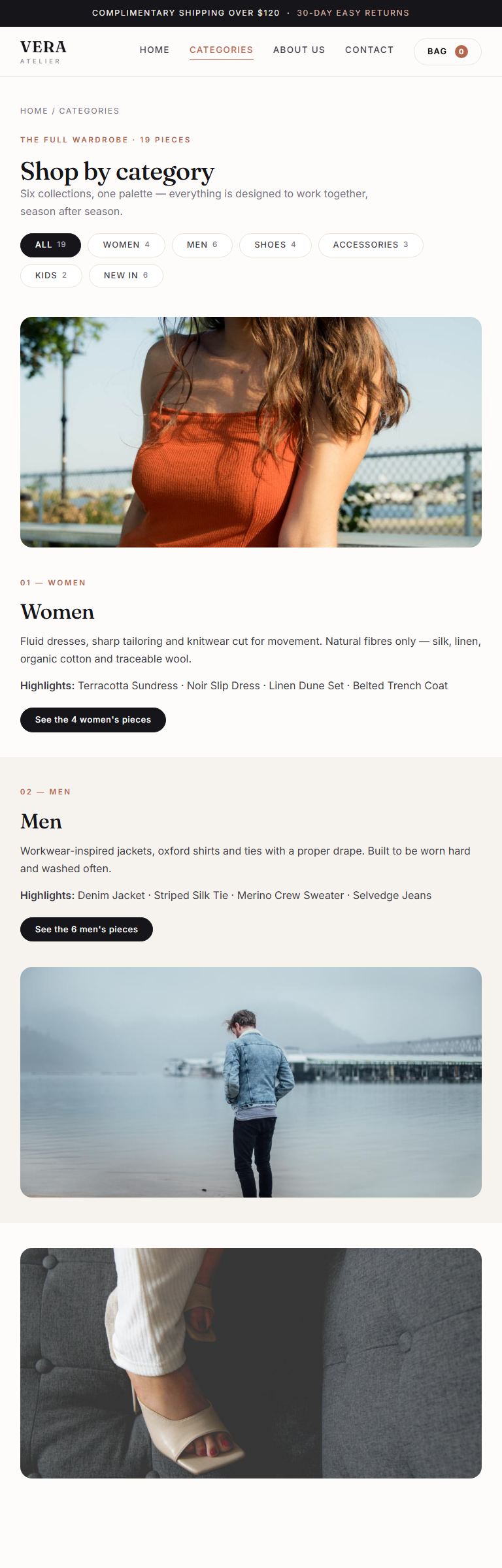
Desktop, tablet and phone — all shipped in the package.
The whole store you are looking at, split into 16 paste-ready HTML widgets: a filterable shop, a working cart, a slide-in bag and a layout verified at seven screen widths. MIT licensed, no page-builder add-ons, no WooCommerce.
Desktop, tablet and phone — all shipped in the package.
No harsh black-and-white, no neon buttons. Warm paper-white backgrounds, a soft clay accent and deep ink text — so the clothes, not the interface, do the talking.
:root block
Upload vera-kit.css and vera-kit.js once, paste the loader widget once,
then paste whichever sections you need — in any order, on any page.
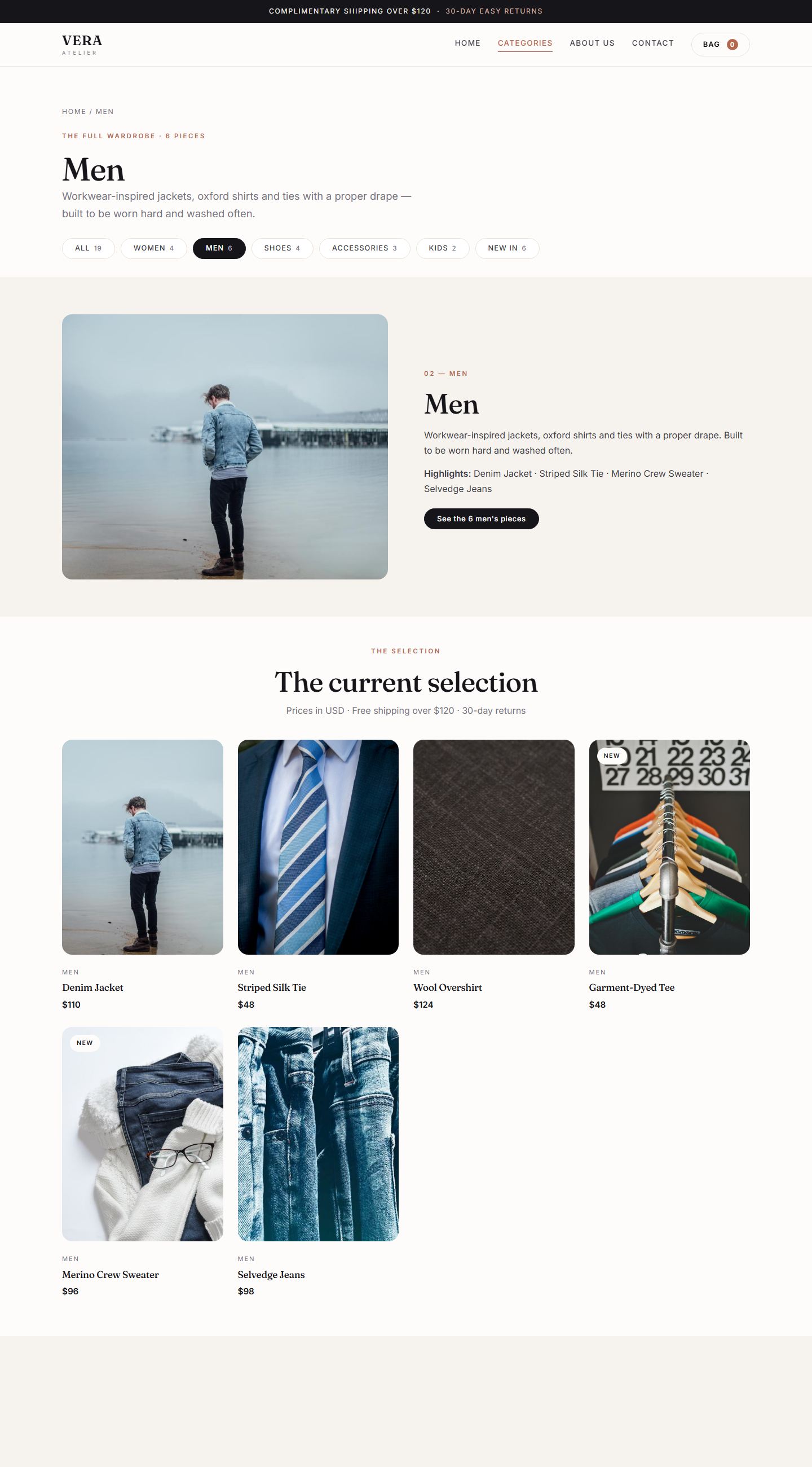
Clicking a category shows only that category's products and updates the title, count and URL.
Add, remove, quantity, total — stored in the browser, with a slide-in drawer and an order email.
Tested at 320 / 360 / 390 / 414 / 768 / 1024 / 1440 px — zero horizontal overflow anywhere.
Content is only hidden once JavaScript is confirmed active, so an error can never blank the page.
You pay in crypto, you get the file. Nothing is stored on this site.
Send exactly 19 USDT to the address below. Ethereum (ERC-20) network.
Copy the hash from your Trust Wallet and paste it on the delivery page - no account, no email.
The page verifies the payment on the Ethereum network in your own browser and starts the download the moment it confirms.
Network: Ethereum (ERC-20) · Token: USDT · Amount: 19
0xE1E3e1c2978c74f43Bb095023135C3278303aF34
Open the delivery page and paste your transaction hash. The page reads the Ethereum network in your own browser, confirms the amount and starts your download instantly.
Nothing is stored on this site: your wallet, your hash, your file.
Everything ships in one zip. No plugins, no licence keys, no build tools — if you can paste text, you can install it.
You get vera-kit.css, vera-kit.js, /images
(20 photos), /widgets (16 HTML snippets), a 4-page working demo,
README.md and INSTALL.md.
Put vera-kit.css, vera-kit.js and the photos into
/wp-content/uploads/vera-kit/ — with the Media Library, or FTP if
WordPress blocks those extensions.
In Elementor, add an HTML widget at the top of the page and paste these two lines (edit the URL to match where you uploaded):
<link rel="stylesheet" href="https://YOUR-SITE.com/wp-content/uploads/vera-kit/vera-kit.css" />
<script src="https://YOUR-SITE.com/wp-content/uploads/vera-kit/vera-kit.js" defer></script>One HTML widget per section — header, hero, marquee, categories, products, footer, bag. Set the page to Elementor Full Width and leave the containers with no padding: the kit controls its own spacing.
Elementor Pro? Add the same two lines once under Elementor → Custom Code
(head + body end, whole site) and you can skip the loader widget on every page.
The full guide — 3 installation methods, how to swap the photos for your own, how to
change the price and email, plus a troubleshooting table — is in INSTALL.md
inside the zip. Typical time: under 5 minutes.
No. You copy and paste: one loader widget, then one HTML widget per section. The full guide with the exact snippets is in INSTALL.md, and the typical setup takes under five minutes.
No. The kit ships with a lightweight vanilla-JS cart that stores the basket in the browser and opens the visitor's email app on checkout. You can point it at any form endpoint instead.
Yes. The HTML-widget method needs nothing but Elementor Free. Pro is only useful if you want to add the CSS and JS once for the whole site via Custom Code.
Yes. The code is MIT licensed and the 20 photographs are CC0 — commercial use, no attribution, resell it inside your own builds.
Seconds. The delivery page verifies your transaction on the Ethereum network in your own browser and starts the download the moment it confirms - no human sends you a link, and it runs 24/7.
Your hash is the proof. Paste it again on the delivery page, or use its one-click email fallback - the file can always be re-sent, and your browser keeps the unlock.